




News
MS Teams Account Assistance for Officially Enrolled Students
JUL 17
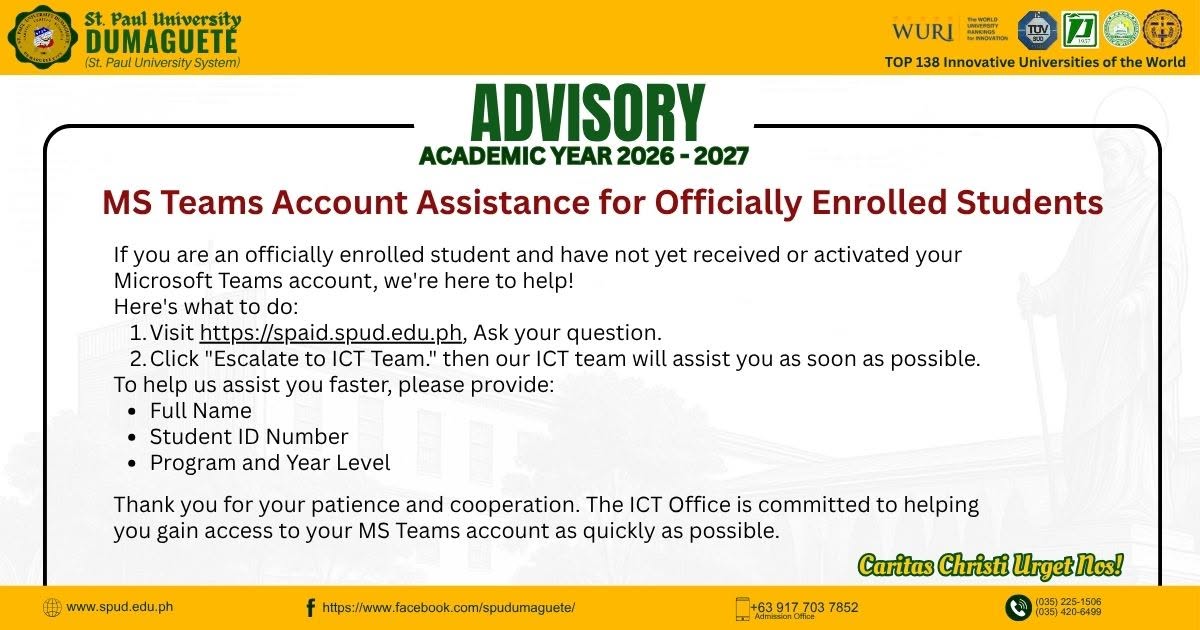
To all officially enrolled students who have not yet received or activated their Microsoft Teams account, the ICT Office is ready to assist you.
For assistance, please follow these steps:
1. Visit https://spaid.spud.edu.ph.
2. Enter your concern or question in the chat.
3. If your concern requires further assistance, select "Escalate to ICT Team."
4. An ICT personnel will review your request and assist you as soon as possible.
To help us process your request more efficiently, please include the following information in your message:
* Full Name
* Student ID Number
* Program and Year Level
* A brief description of your concern
The University is committed to ensuring that all officially enrolled students have access to the digital tools needed for their classes and academic activities. We appreciate your patience and cooperation as we work to address your concerns promptly.
For assistance, please visit:
https://spaid.spud.edu.ph